Skip to content
AZRUEN Log in Create invitation

All features

The invitation your guests open and your dashboard: what is in them and how it works.

When a guest opens the link

Everything a guest needs to know about the event, in one link.

View demo
  • The envelope opening

    The invitation starts as a sealed envelope that opens at a touch.

  • Countdown

    Shows how many days, hours and minutes are left until the event.

  • Venue and directions

    One tap opens directions in Google Maps or Waze, or books an Uber.

  • Programme

    Welcome, the meal, music. With times.

  • Dress code

    If you like, tell guests what to wear in advance.

  • Music

    The song you choose plays in the background; guests can turn it off.

  • RSVP

    "Yes", "Unfortunately, no" or "Not sure". Plus how many people are coming.

  • Three languages

    In Azerbaijani, Russian or English.

Your invitation, in your status too

Press one button in your dashboard and your invitation becomes a short video: the opening, your names, then the date and venue. Your chosen music plays underneath.

  • Vertical 1080×1920: ready for WhatsApp Status and Instagram Stories
  • Ready in a minute or two, and you download it to your phone
  • In every package, once paid
Sample: the Premium «Swaddle» design, with sound

Everything under control until the big day

As soon as you open an account, a to-do list built around your date and a budget are waiting in your panel. Free.

Know your next step

A ready-made list ordered by your date: venue, menu, guests, everything in its place.

Keep the budget in check

Note every expense and see at a glance what has been spent, what is still to pay and what is left.

Guests, tables, the party: all in your dashboard

Everything you need, from the day you send the invitation to the day after the wedding, in one place.

Compare packages
  • Who opened it, who hasn't answered

    You see who opened the invitation. Remind those who haven't answered with one tap on WhatsApp.

  • Together with your family

    Add a parent or someone close to your dashboard with a link: guests, answers and tables are open to them too.

  • Seating plan

    Seat your guests at tables. A guest types their name in the invitation and sees their table number.

    Photo package and up

  • Live photo screen in the hall

    The photos guests upload play one by one on the hall's screen or projector, and new ones appear right away.

    Photo package and up

  • Wishes book

    The wishes guests write in the invitation are gathered into one book. Print it as an A4 booklet or save it as a PDF.

  • Thank-you page

    After the wedding the link turns into a thank-you page for guests: your words and the photos you pick from the album.

A thousand moments in one day

Rings, candles, the tea table, the first dance. Guests photograph it all, and the guest album gathers those photos in one place.

An open pomegranate on a wooden table
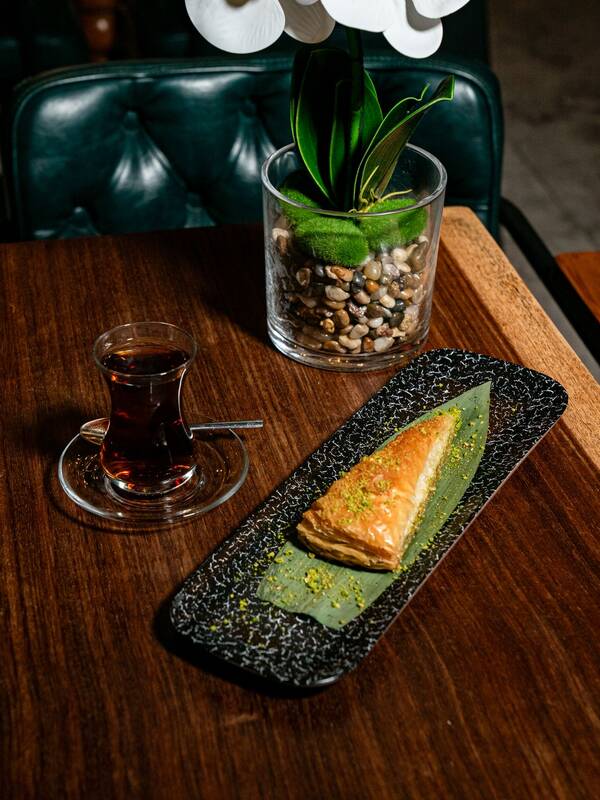
Tea in an armudu glass with baklava
A bridal bouquet in henna-painted hands
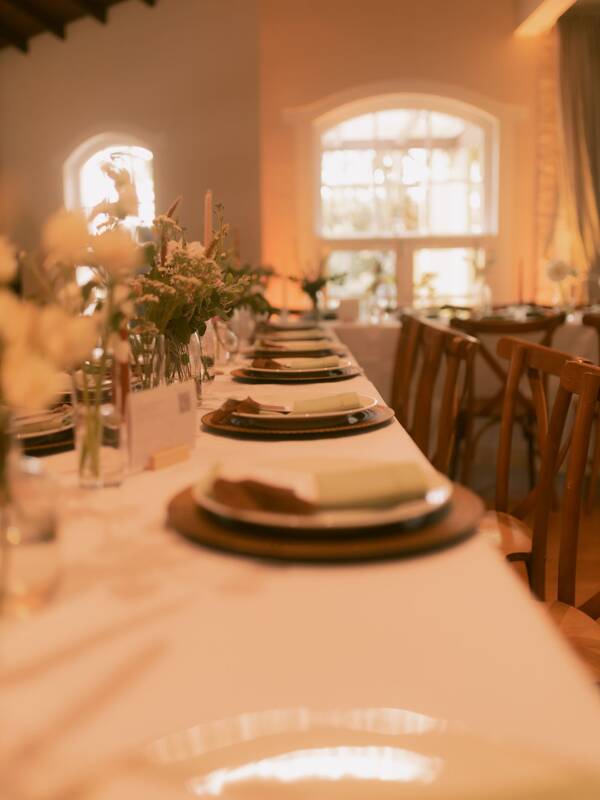
A long wedding table by an arched window
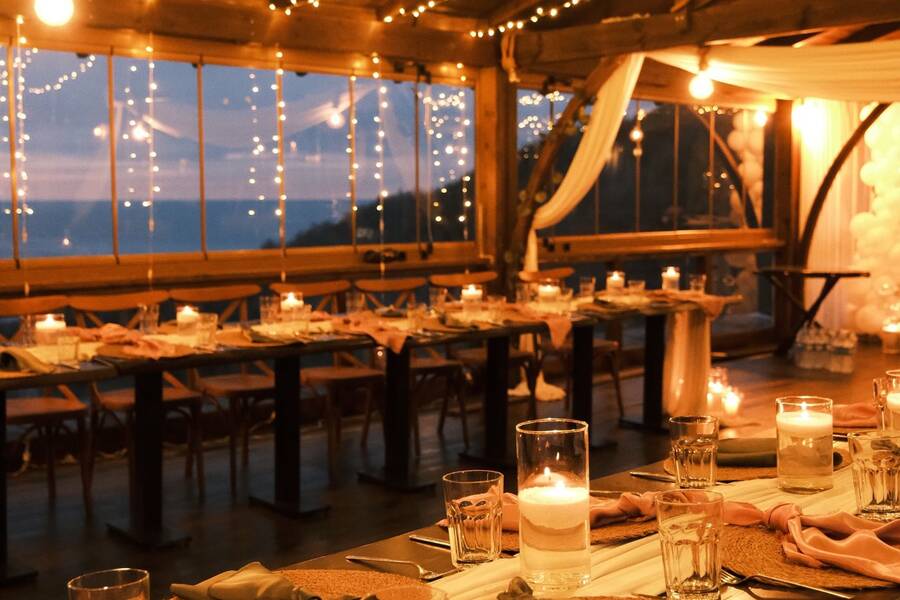
An evening table decorated with lights
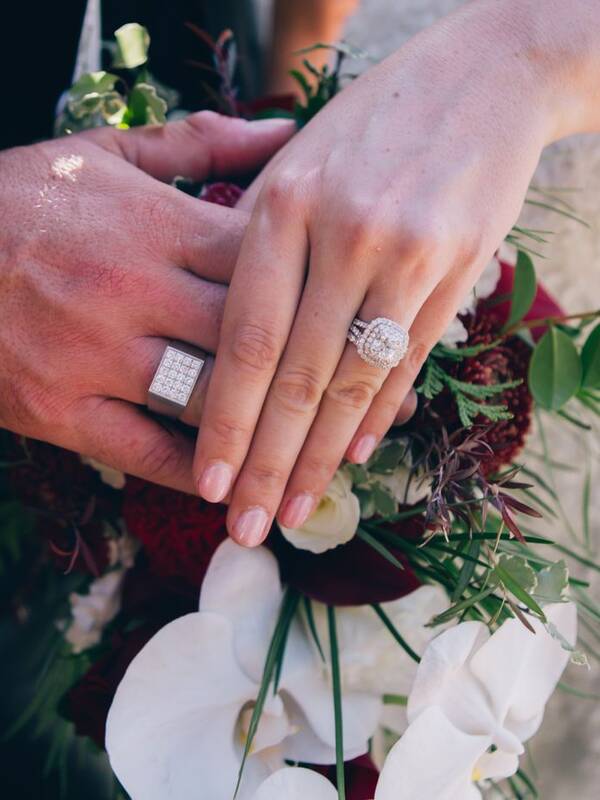
The bride's and groom's hands with rings, resting on a bouquet
Pistachios and baklava in a copper dish

Create your invitation now

  • About 10 minutes
  • Pay once the invitation is ready